
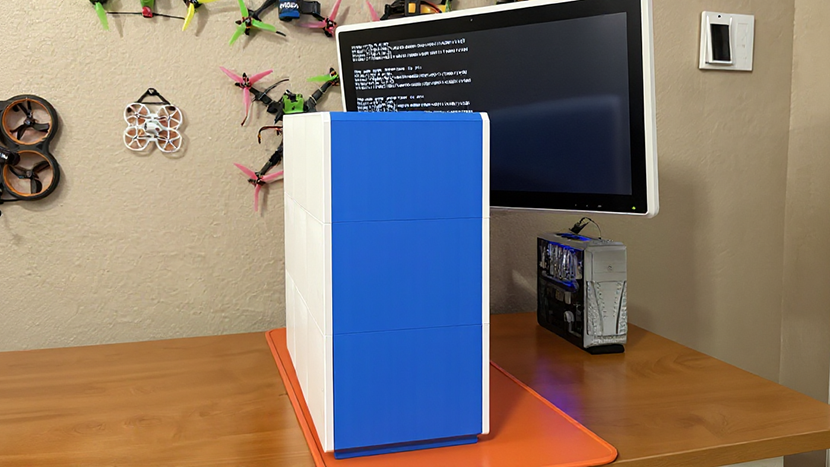
Ever since buying my first 3D printer nine years ago and through my current 3D-printing setup, 3D-printed products have steadily infilitrated and taken over my homelab. For a long time my NAS was housed in my most ambitious 3D-printed object, the MK735 case. A few years later, I built an off-site NAS and 3D-printed two different cases to house it. A couple years ago I upgraded my MK735 case to squeeze in a handful of more 2.5” drives. And most recently, I 3D-printed a customizable miniature network rack.
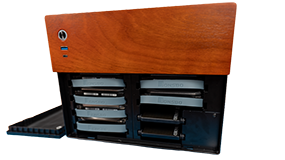
Amid all this homelab 3D-printing, I stumbled across @makerunit on Youtube. After seeing one of his many impressive 3D-printed Mini-ITX case designs, I knew exactly what design I wanted to see next. I reached out and we started chatting about some NAS cases. My timing was fortuitous because @makerunit was already putting the finishing touches on his first NAS case. Eventually, he asked what my opinions were about doing an ATX-sized case, and I told him while I prefer smaller form factors, I knew there’d be a huge demand for a 3D-printed ATX NAS case. Along the way, I was privileged to assist @makerunit and act in an advisory role as he worked on something incredibly ambitous, a 12-drive ATX case which fits on a pretty small 3D-printer bed (180mm x 180mm).
Affiliate Disclaimer: Some of the links on this website are affiliate links, meaning, at no additional cost to you, I may earn a commission if you click through and make a purchase. I only recommend products that I believe will add value for my audience. Please understand that I have experience with all of these companies' products, and I recommend them because they are helpful and useful, not because of these small commissions.
12-bay ATX NAS Case by @makerunit
@makerunit’s videos on his designs and their assembly are a must-watch. Rather than try and regurgitate that information in a blog, I’m choosing to link makerunit’s video here instead. After you’re done watching the video, make sure to check out the 12-bay ATX NAS case on Printables.com, too!
Brian’s Thoughts on the 12-bay ATX NAS case
This is hands-down the largest thing that I’ve ever 3D-printed, which is impressive all by itself. But what’s even more impressive is that you can print it on a printer with a bed as small as 180mm x 180mm. Not only is the design fantastic, it is incredibly accessible to people with 3D printers of all sizes.
Printing all the various parts belonging to the 3D-printed 12-bay ATX NAS case was easy. I didn’t have any issues printing all the different components. I only recall one print job failing, which was likely my fault by failing to prep the build plate sufficiently.
Assembling the 12-bay ATX NAS case was easy too. I set aside an entire weekend afternoon for the assembly, but it took just a fraction of that amount of time. Everything went together well thanks to the set of TS100 soldering tips for heat set inserts from CNCKitchen, which made installing all the inserts a breeze.
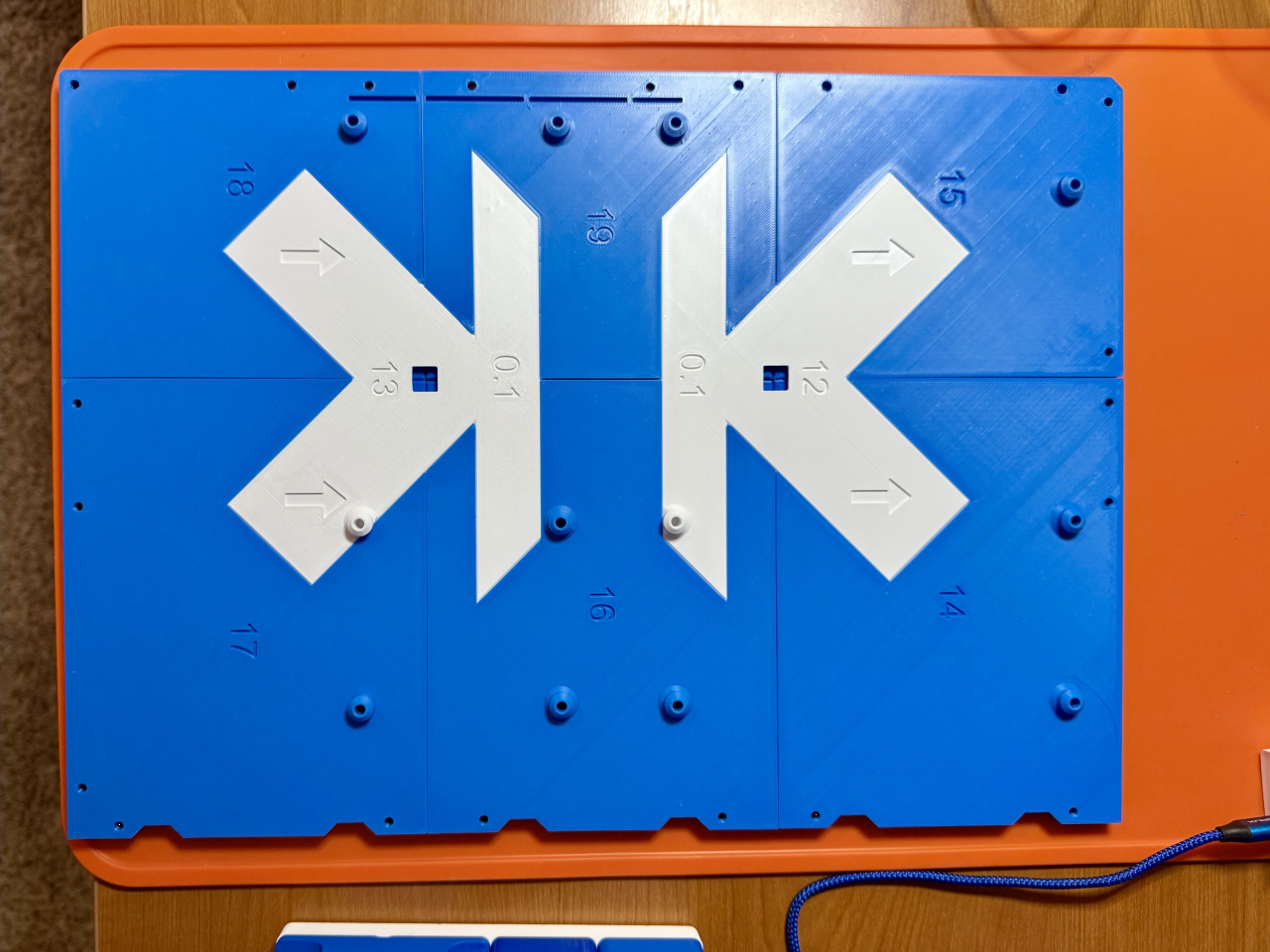
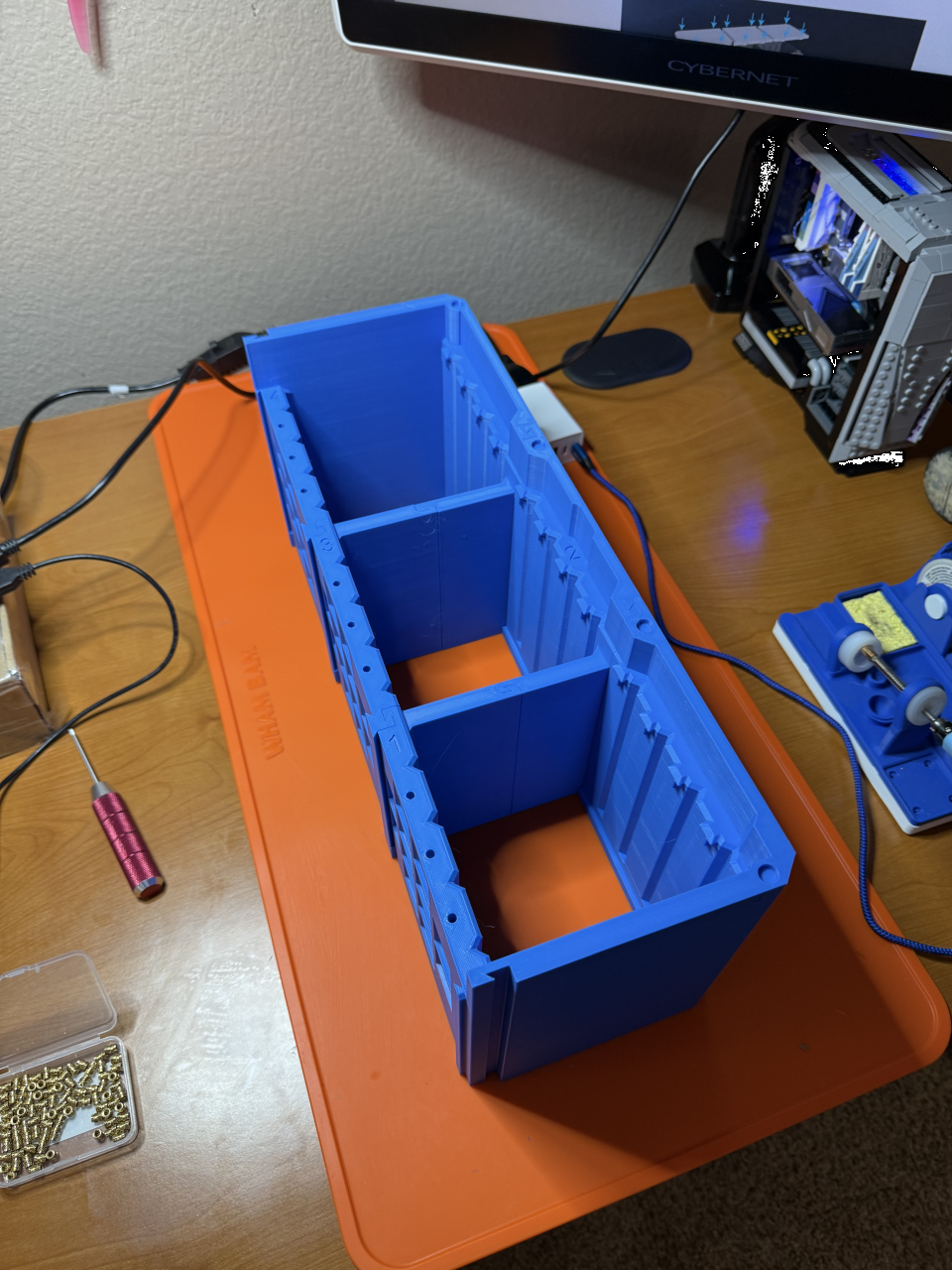
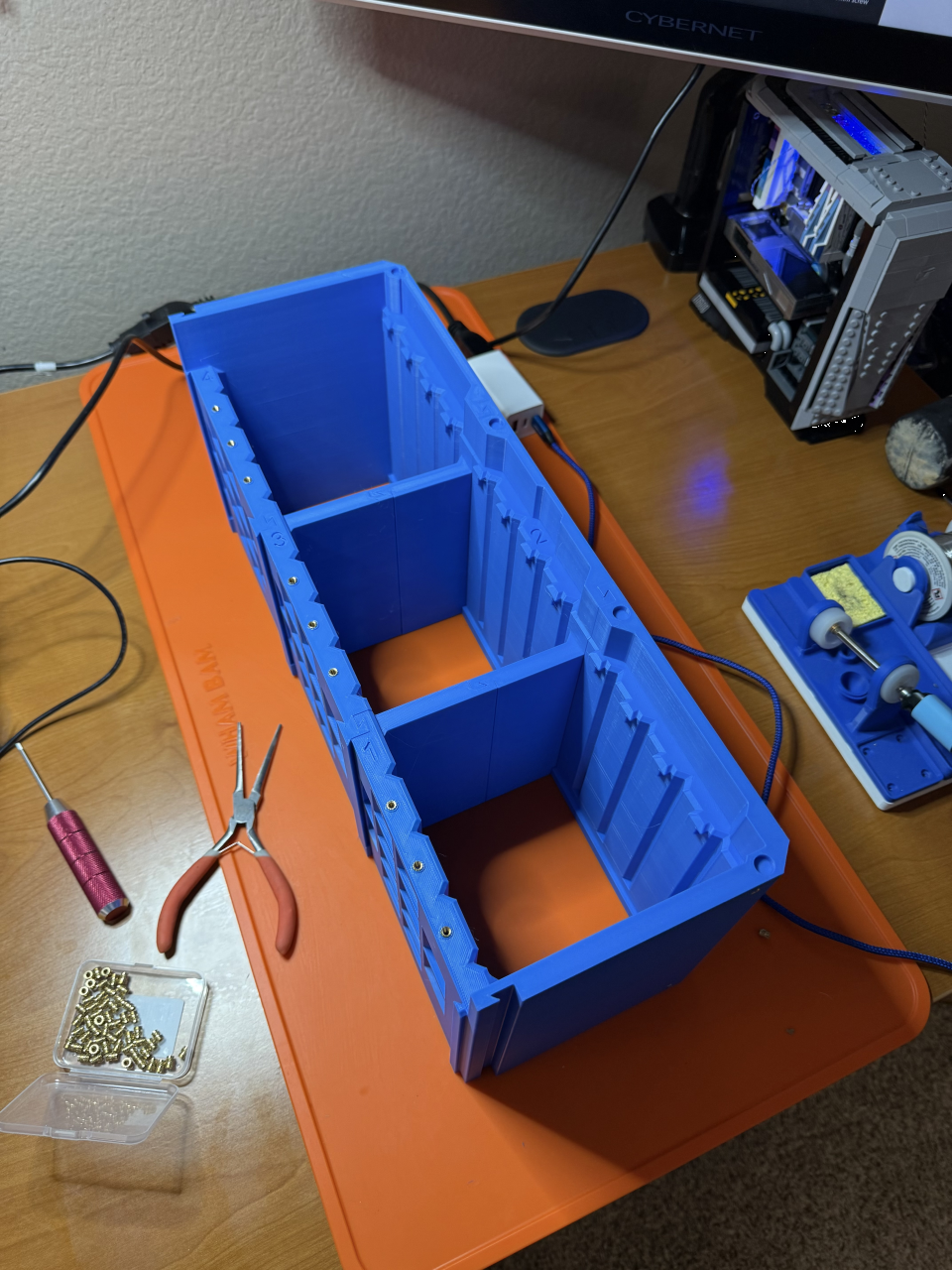
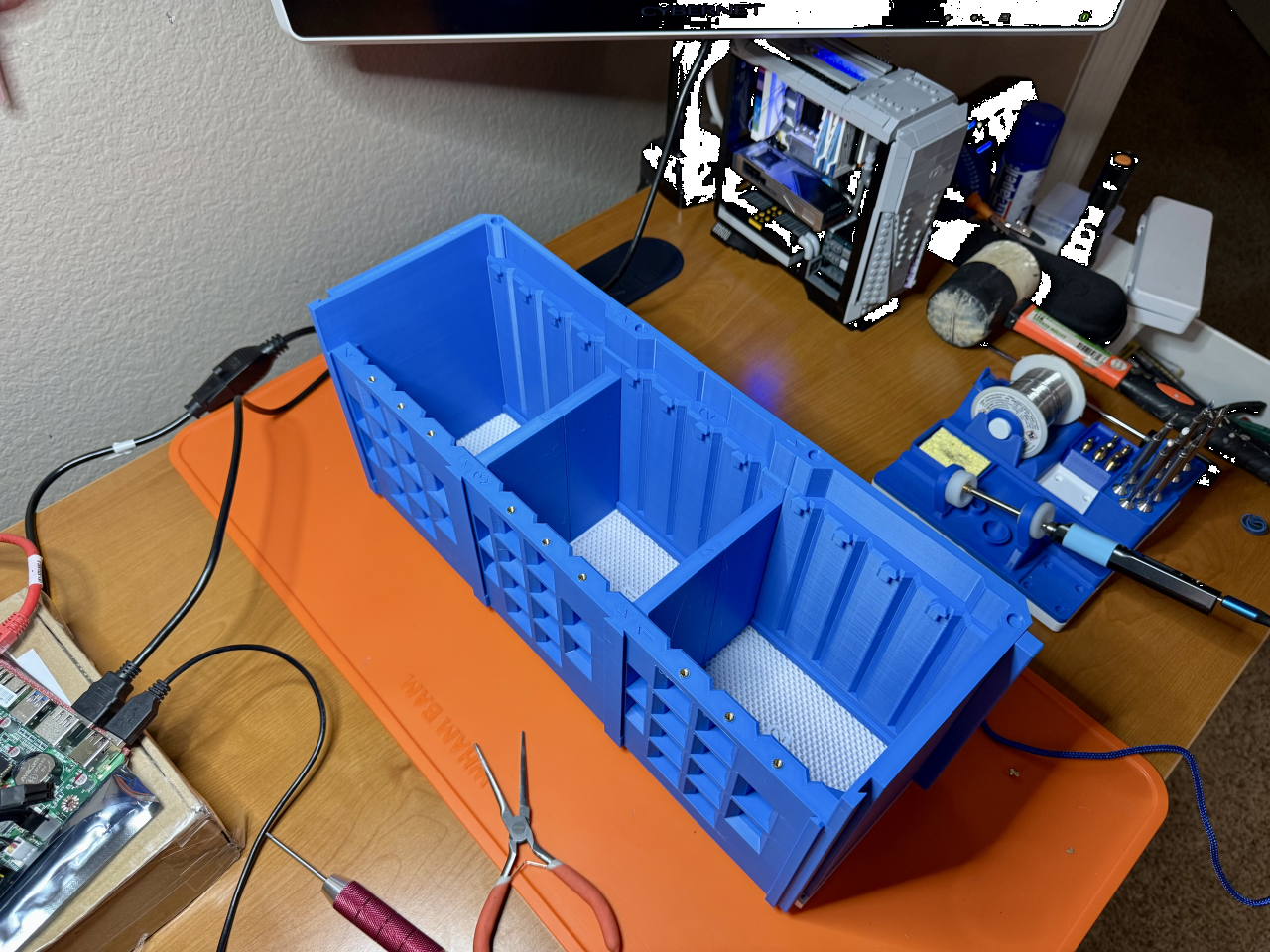
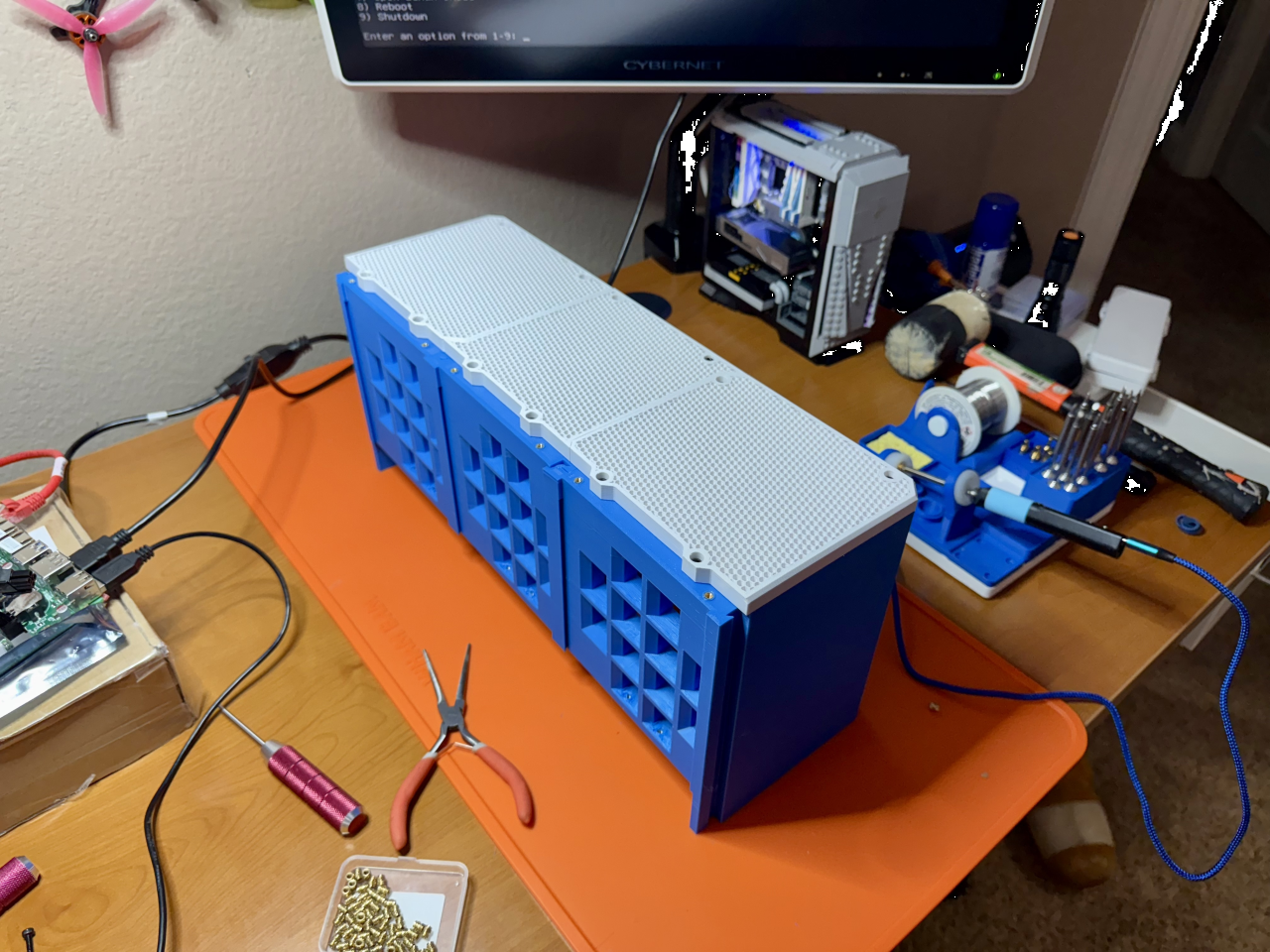
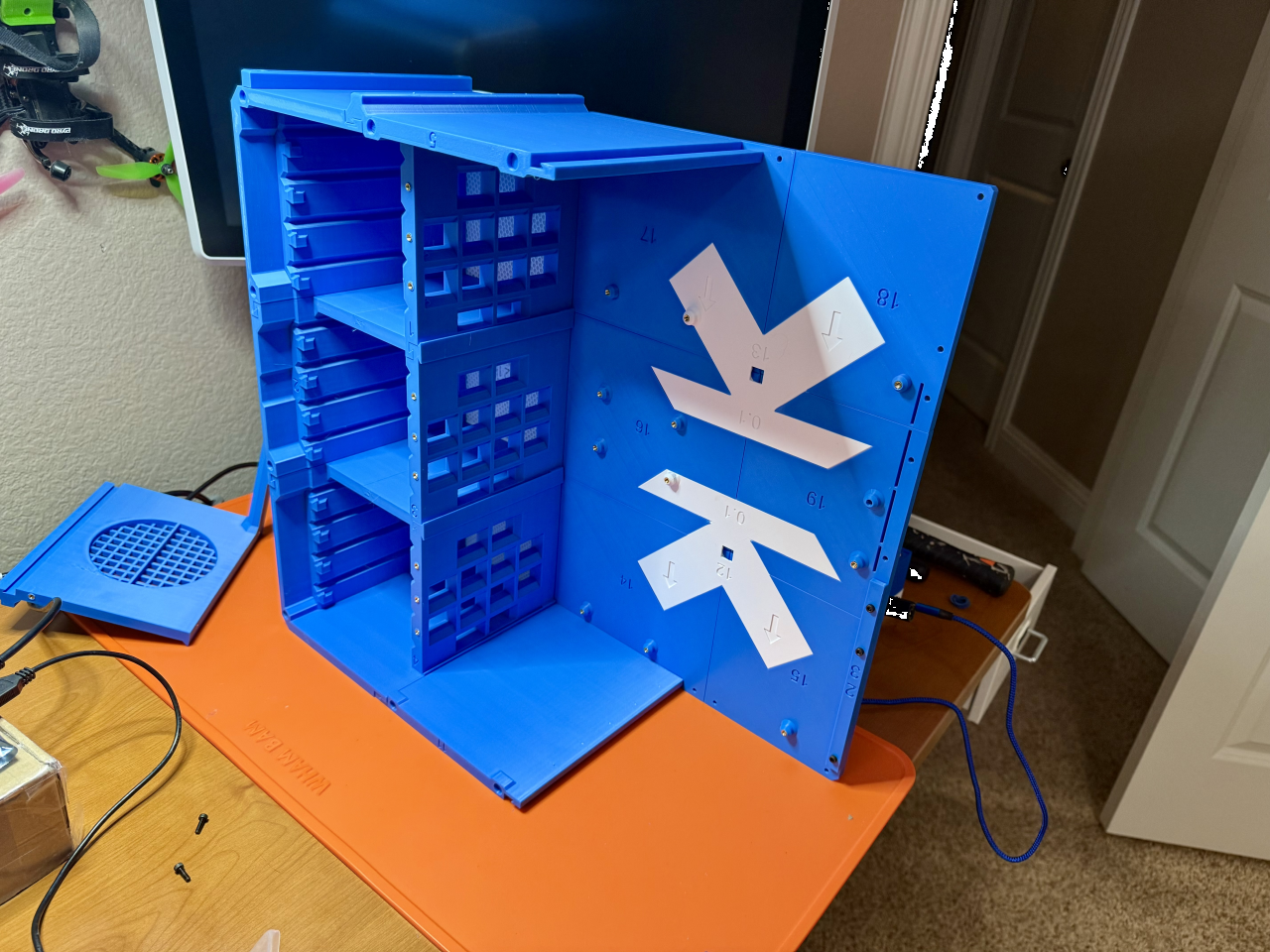
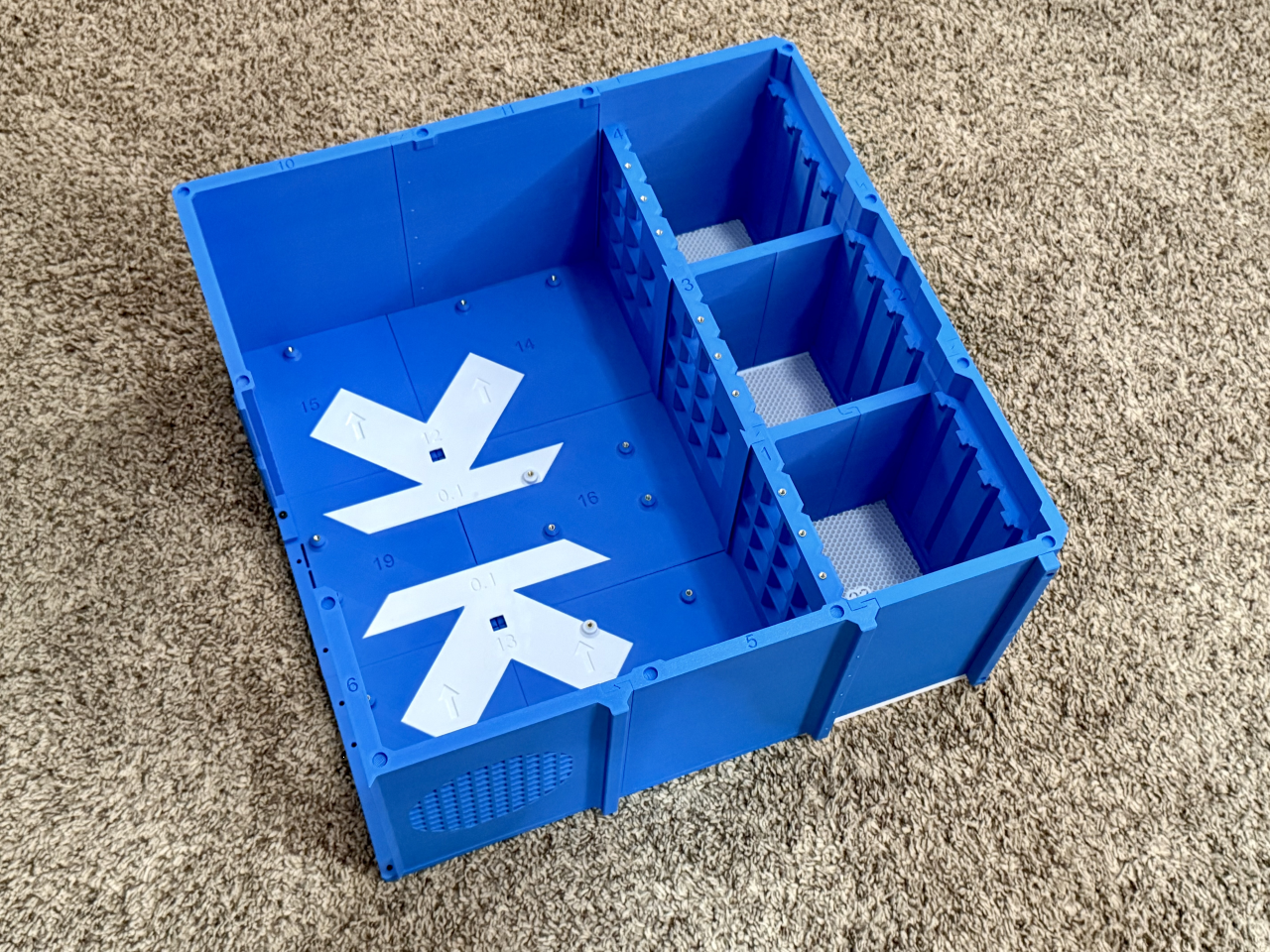
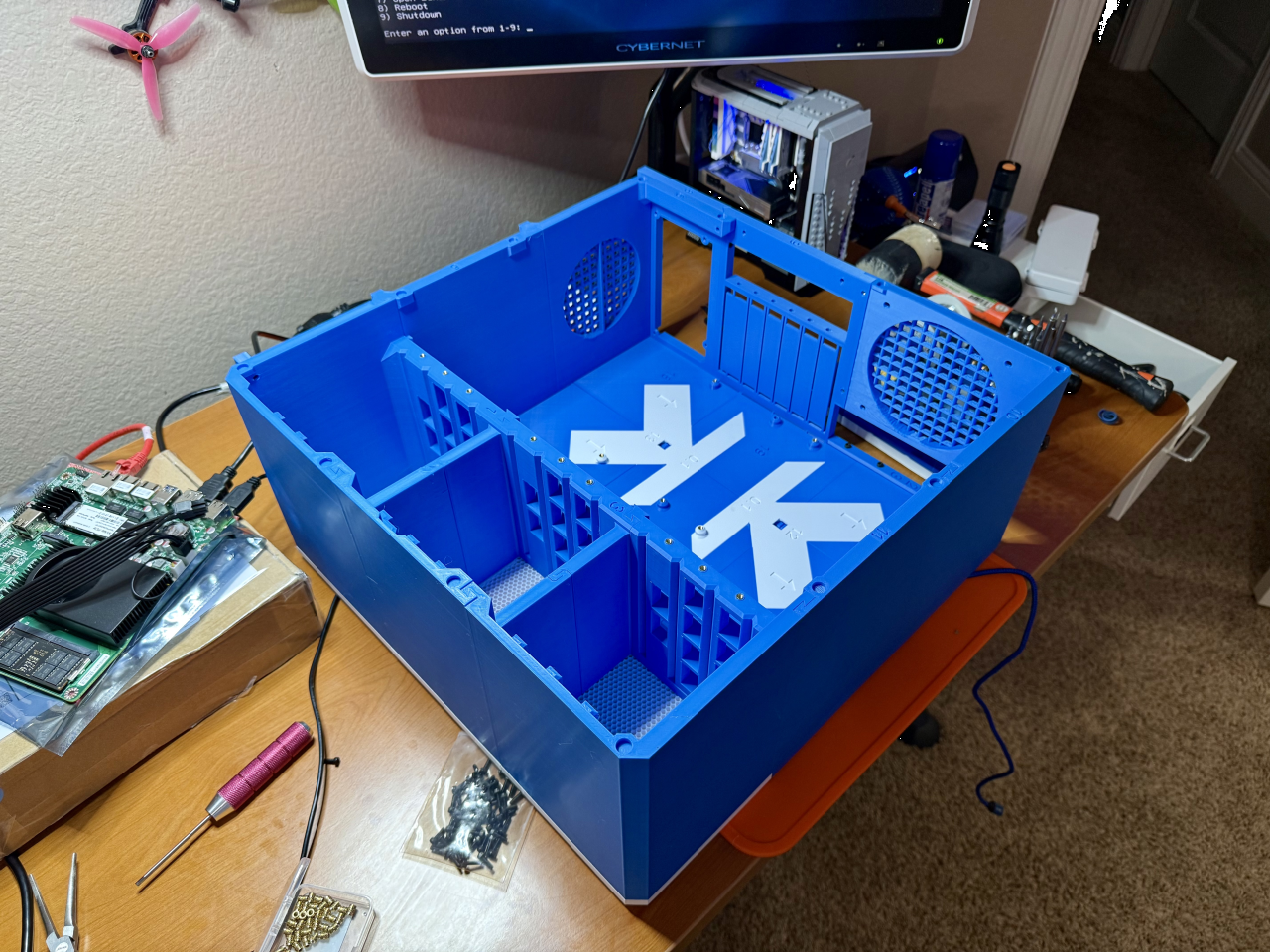
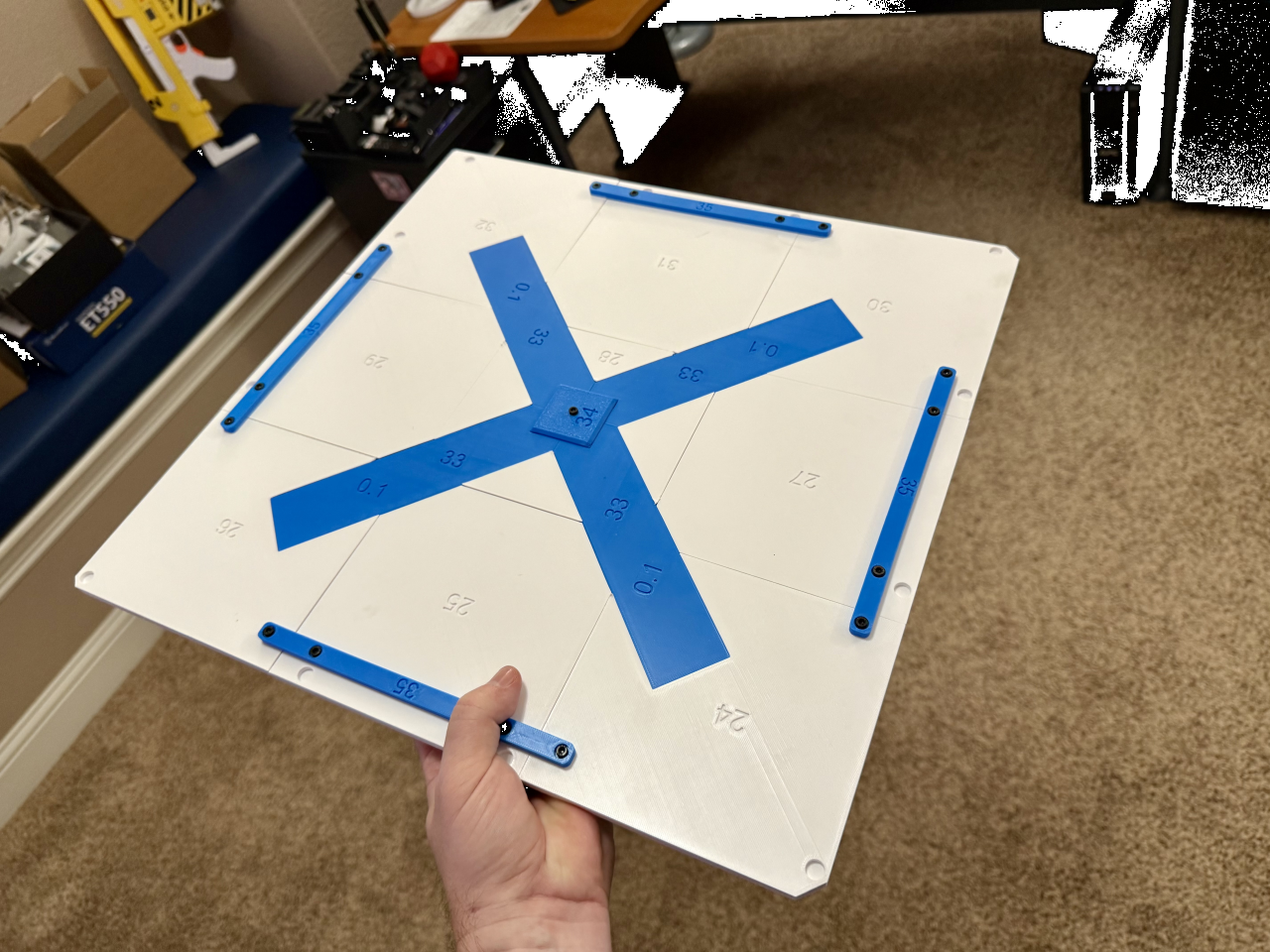
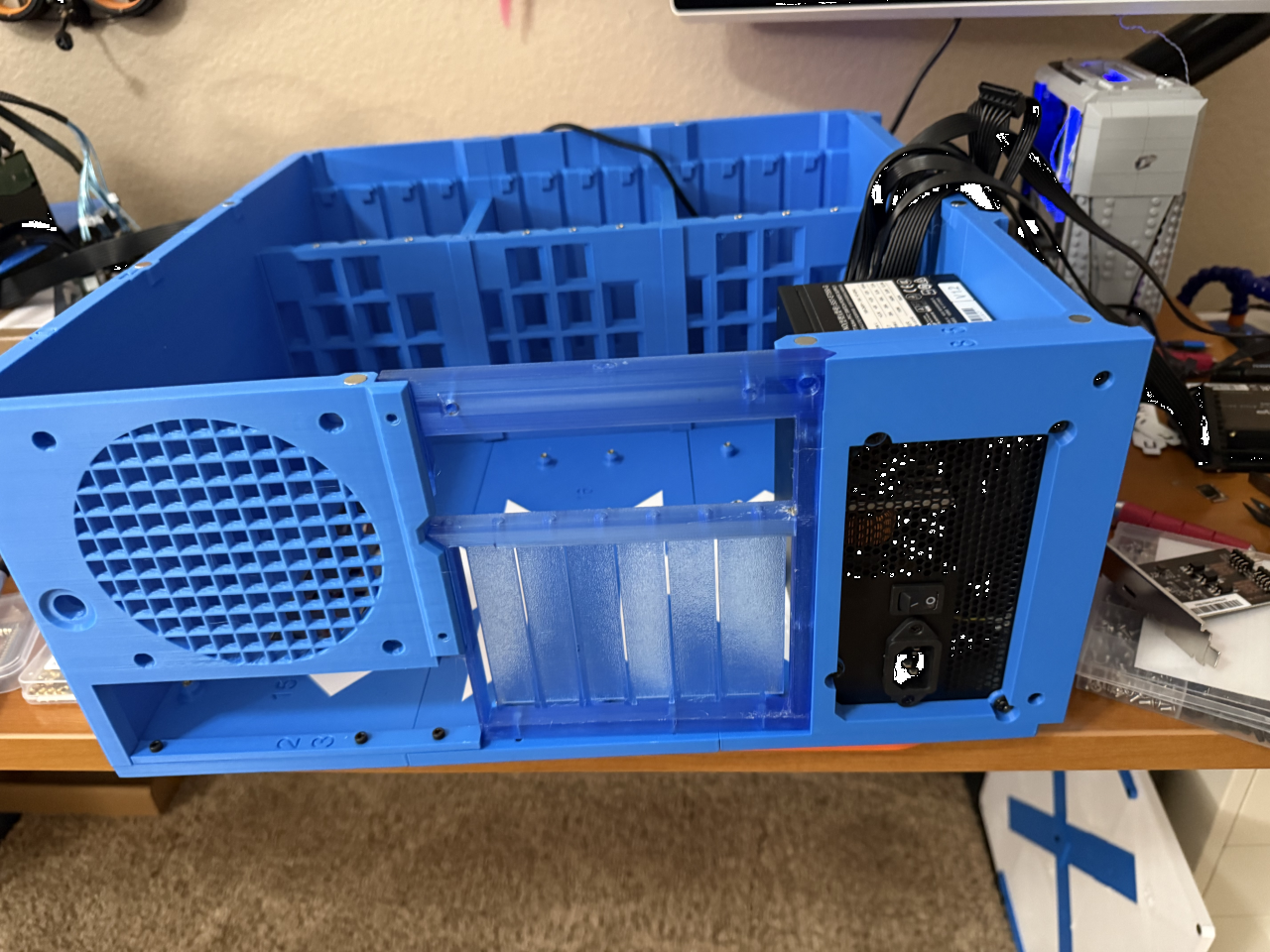
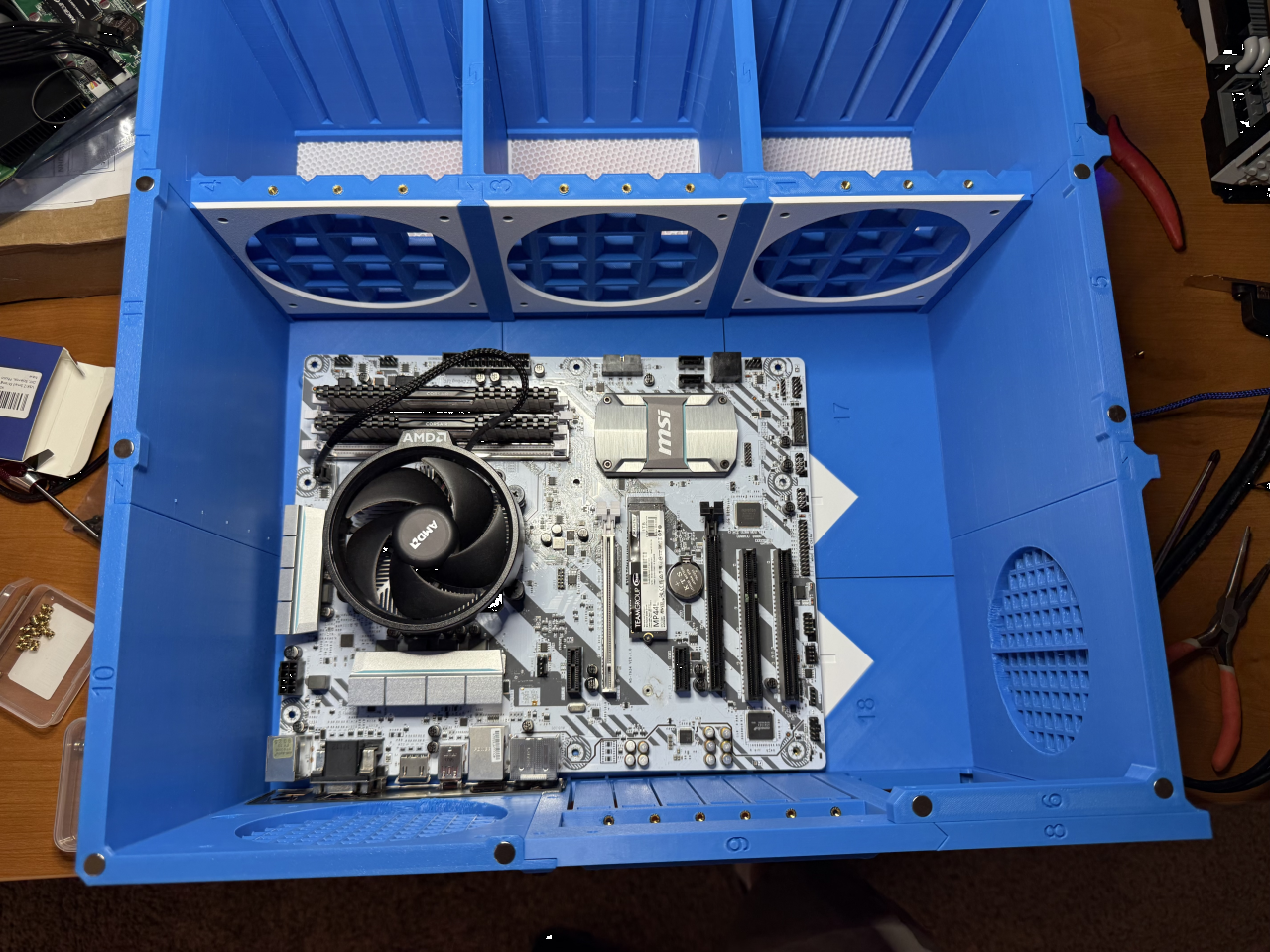
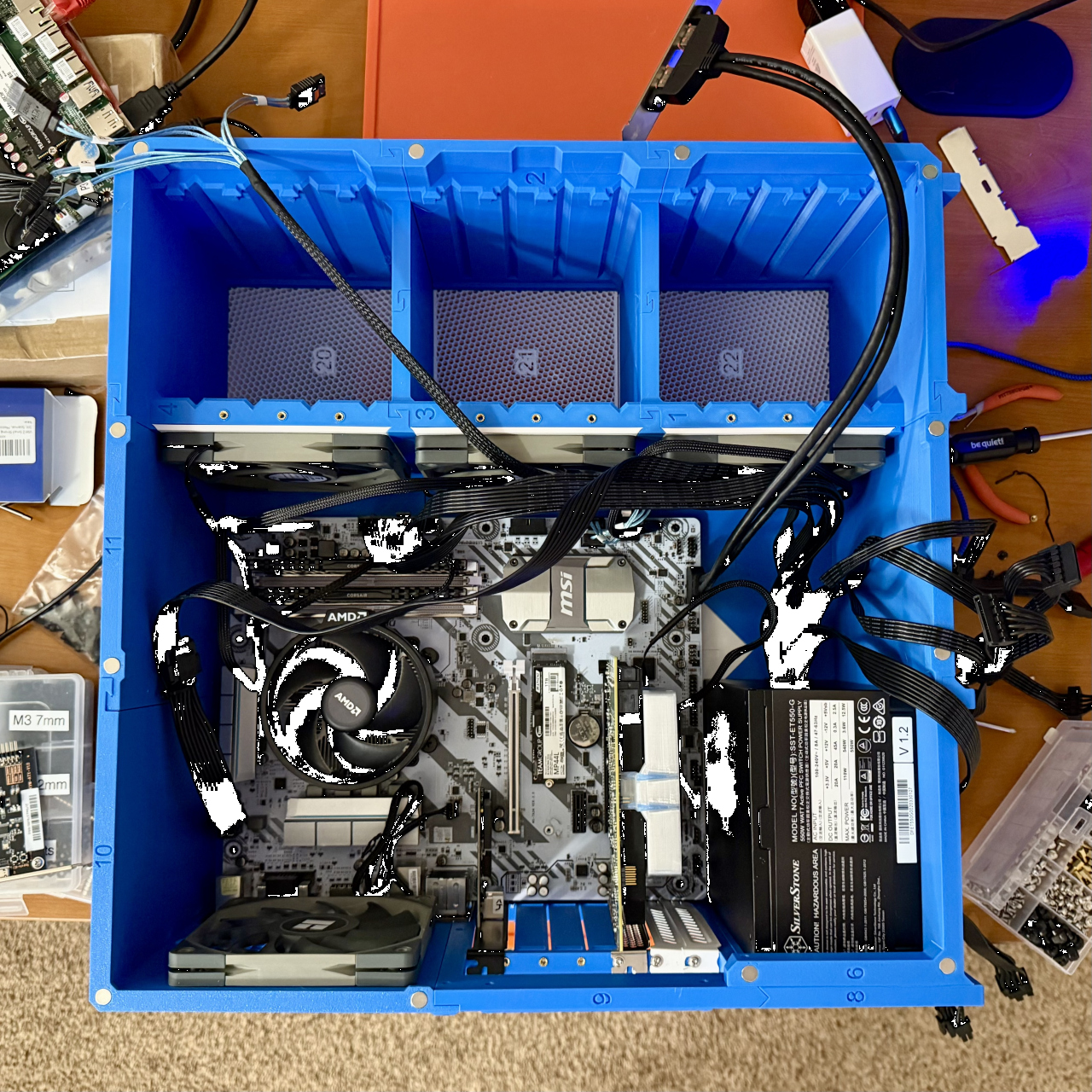
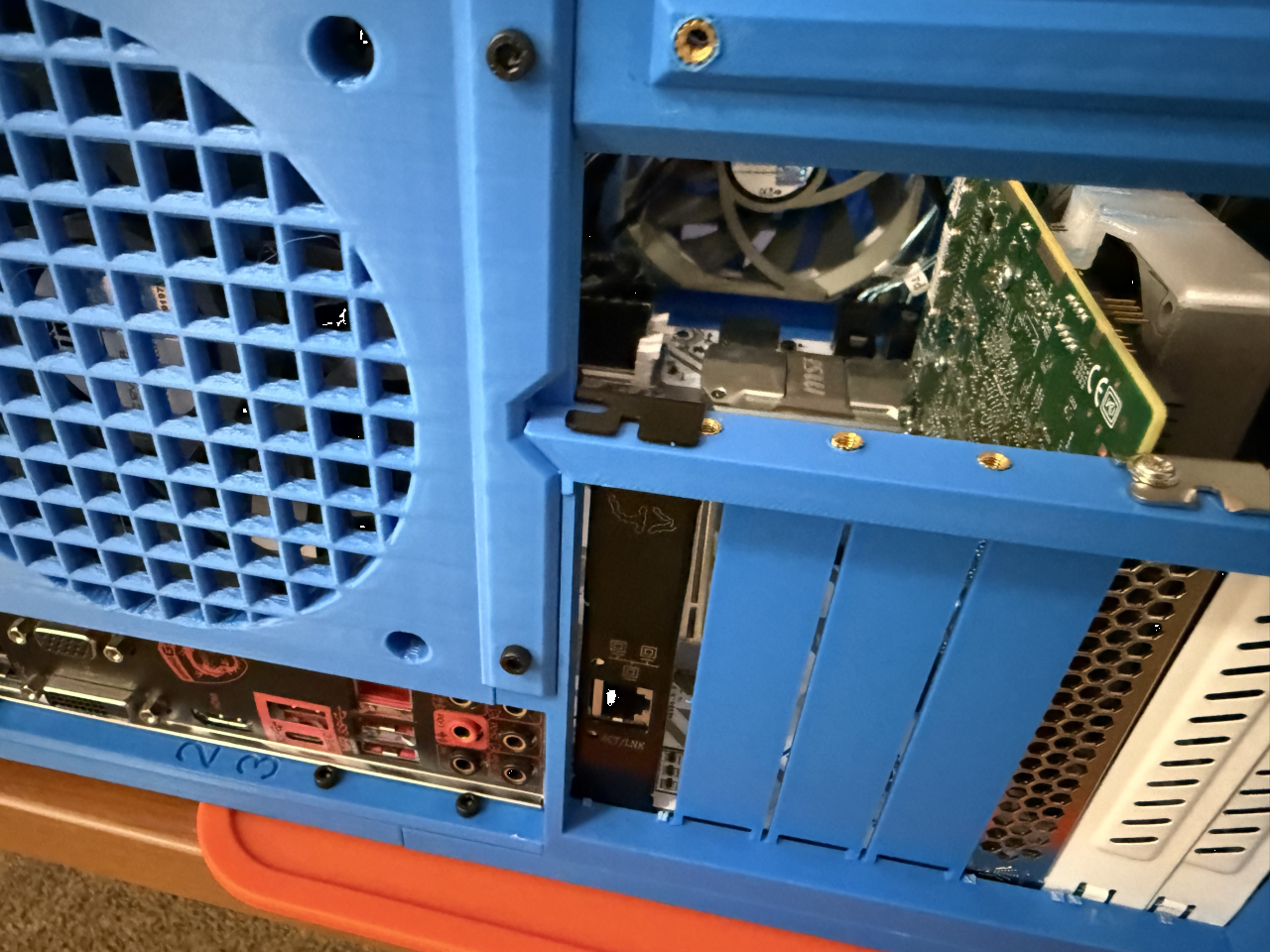
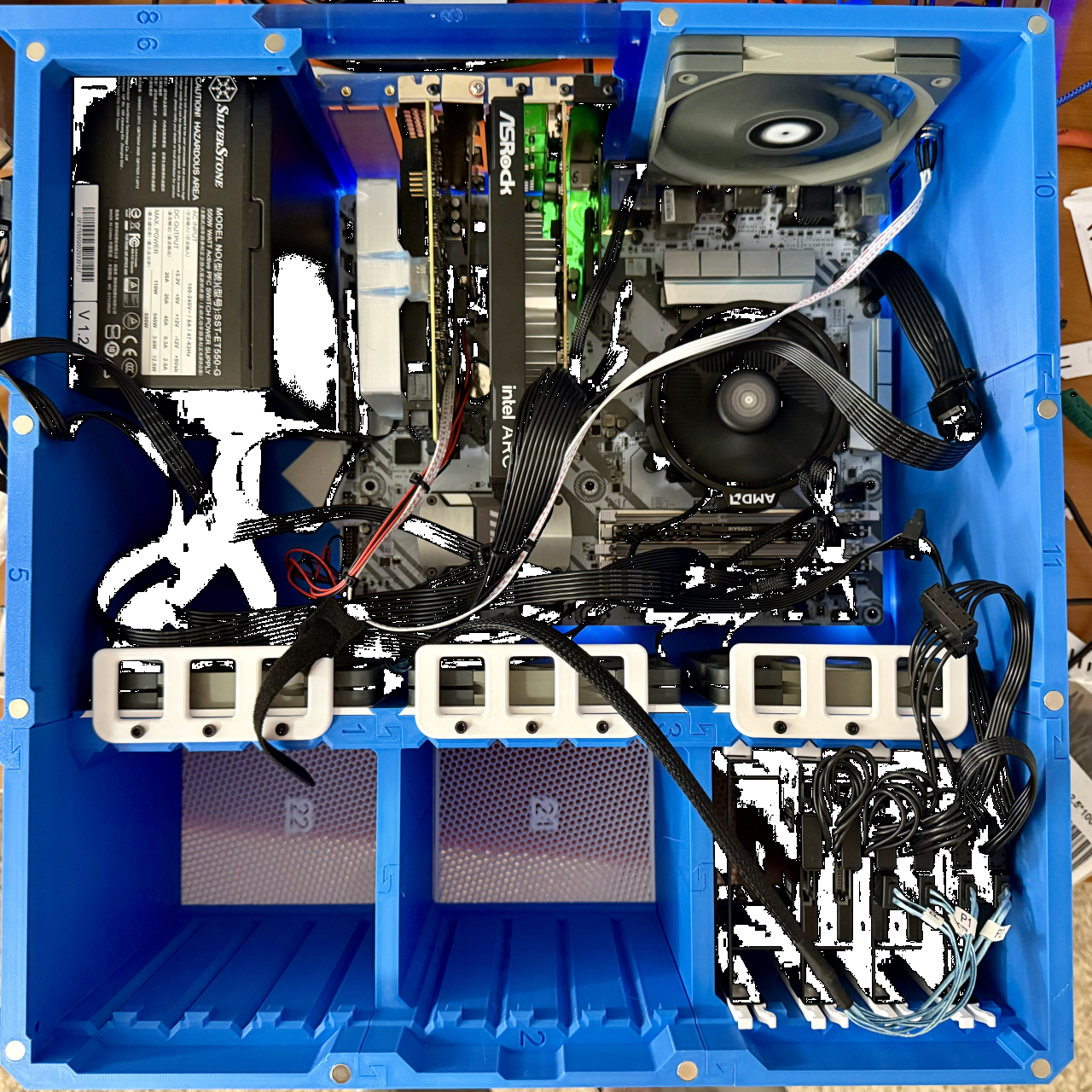
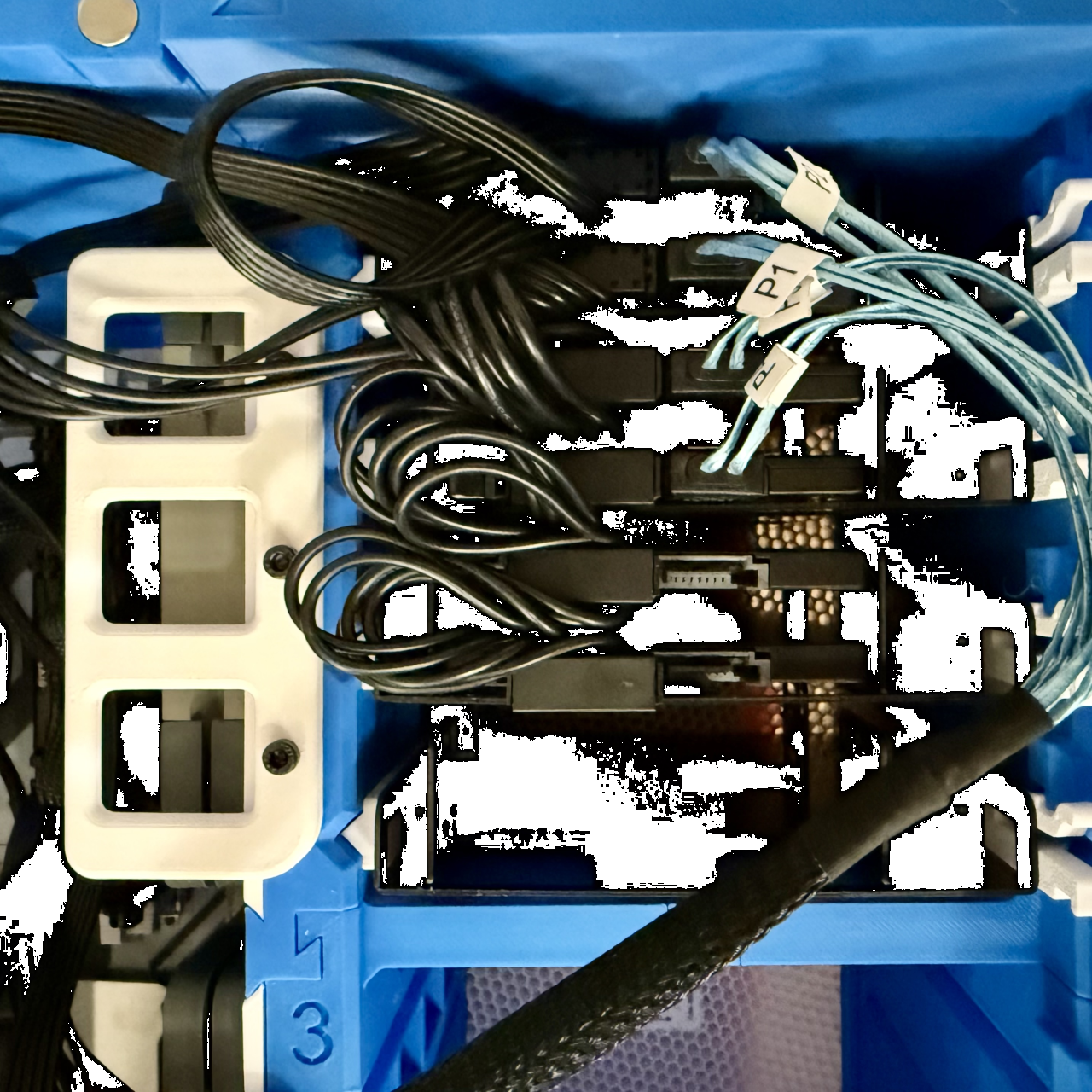
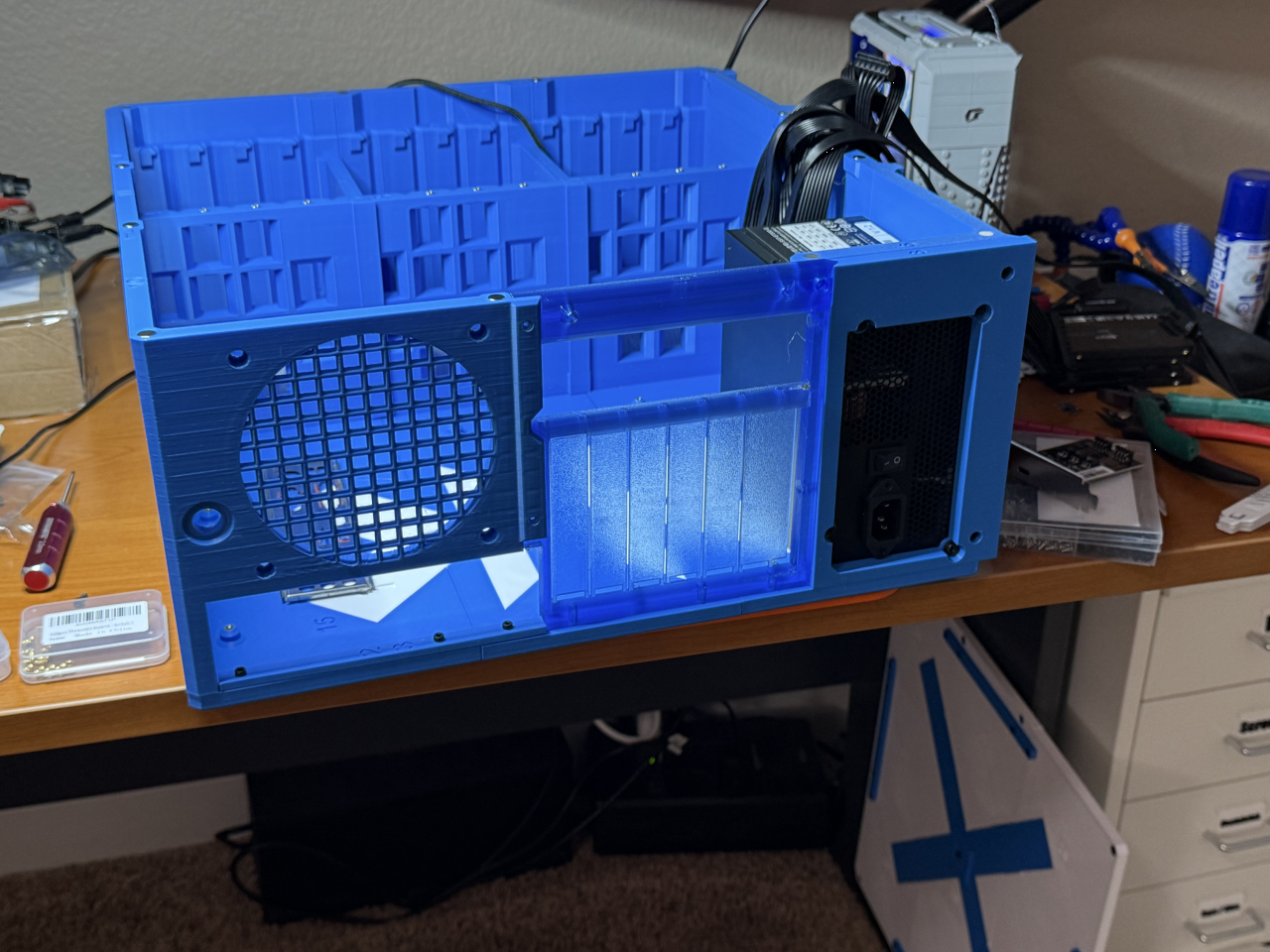
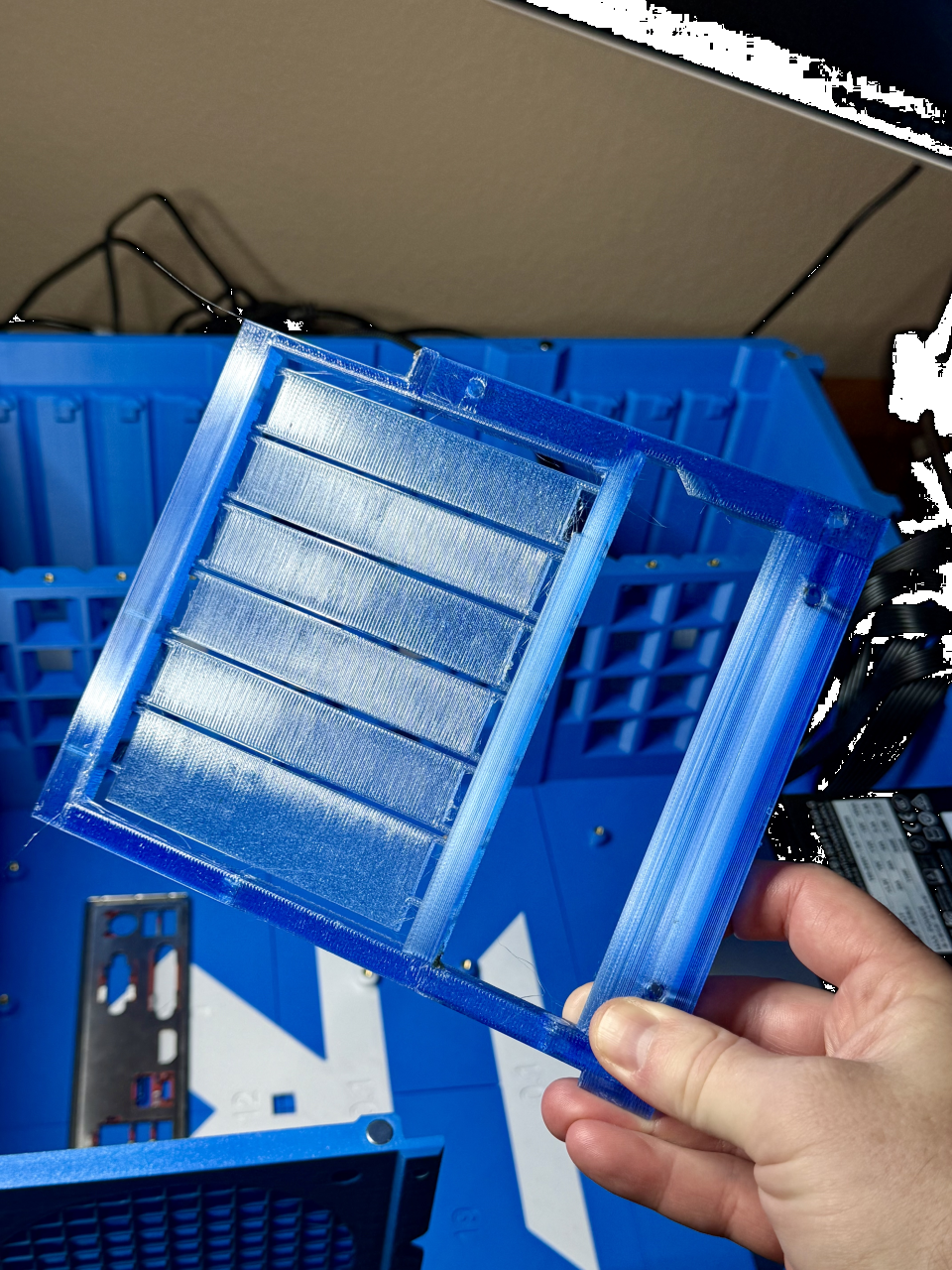
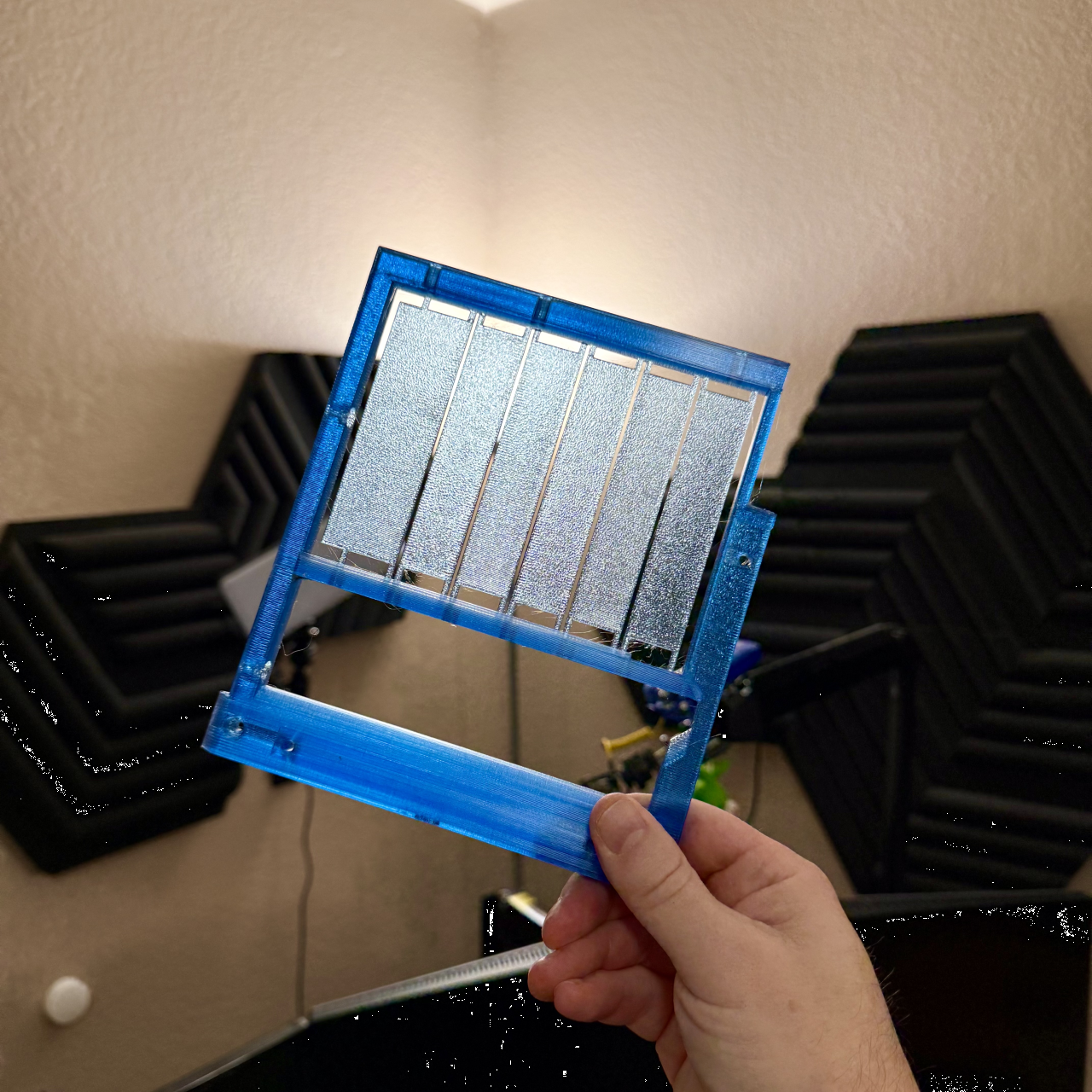
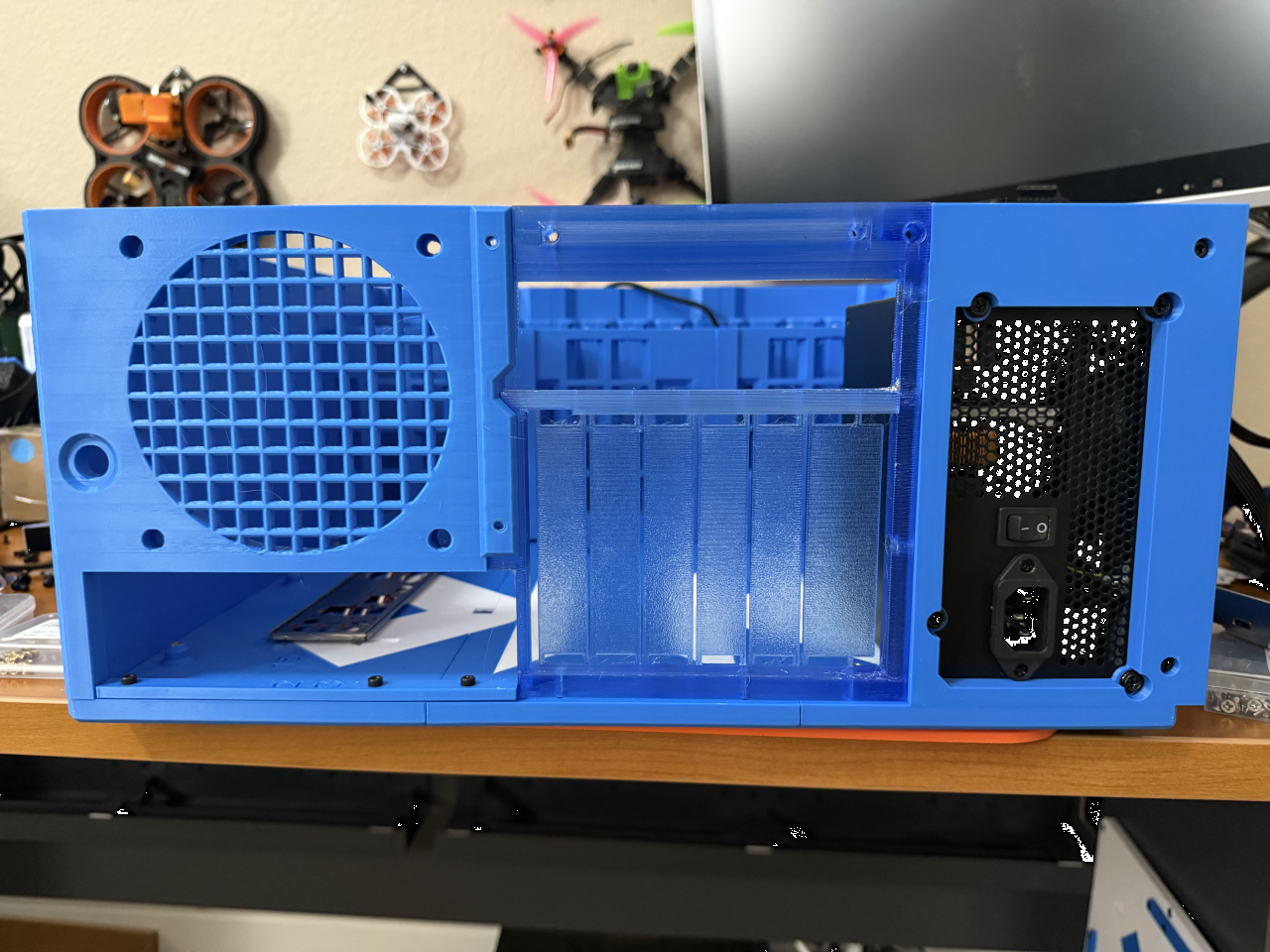
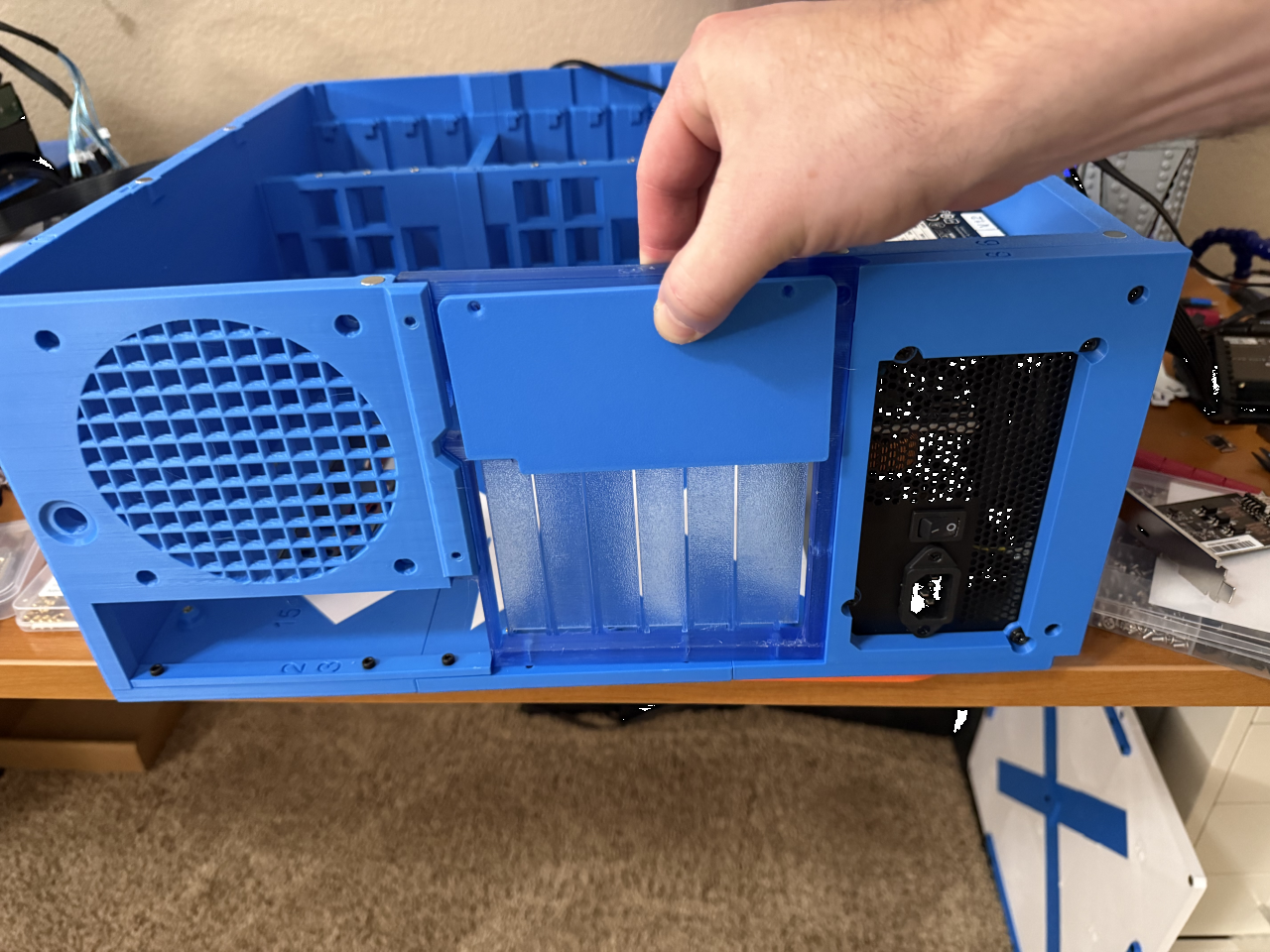
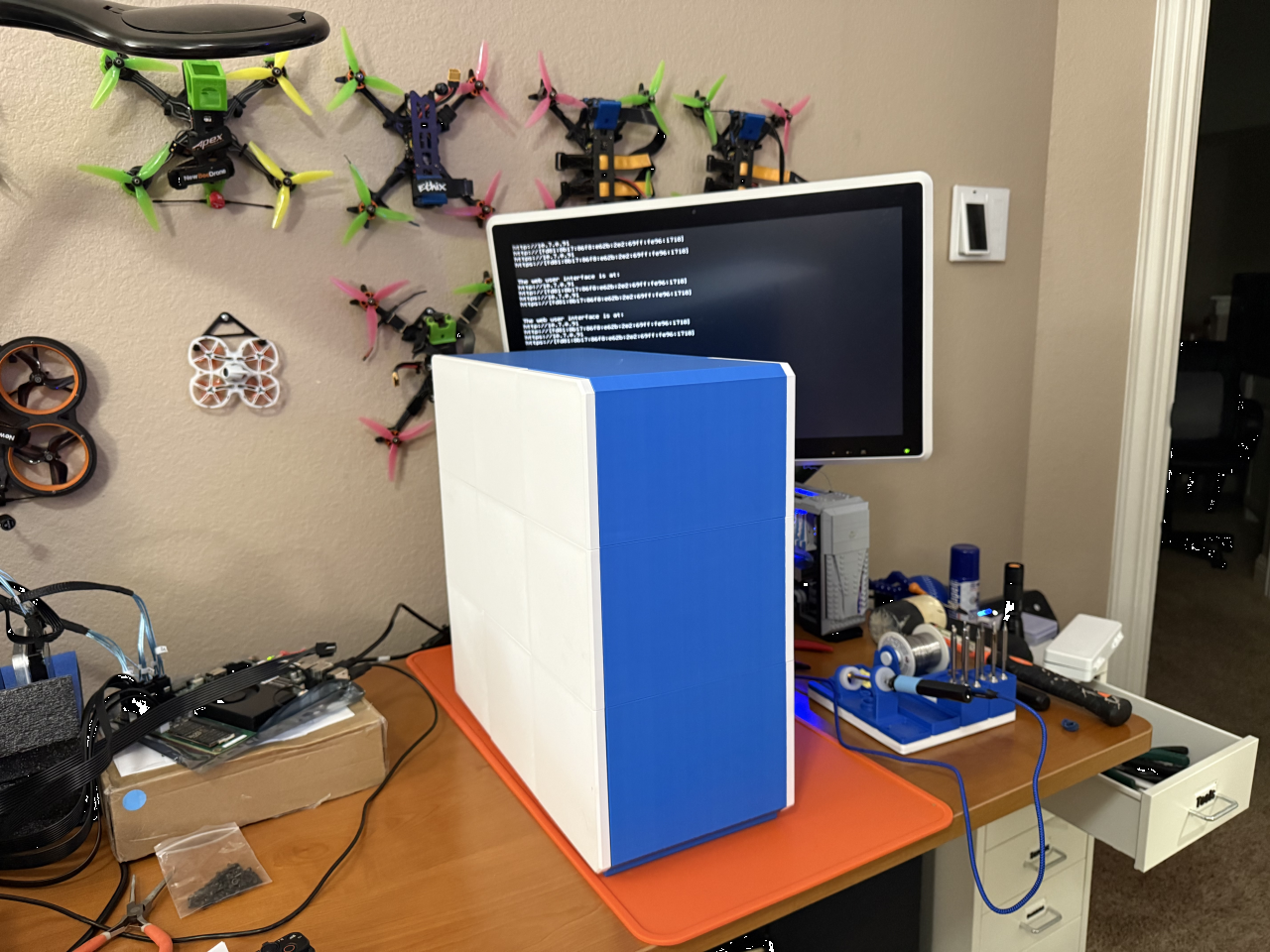
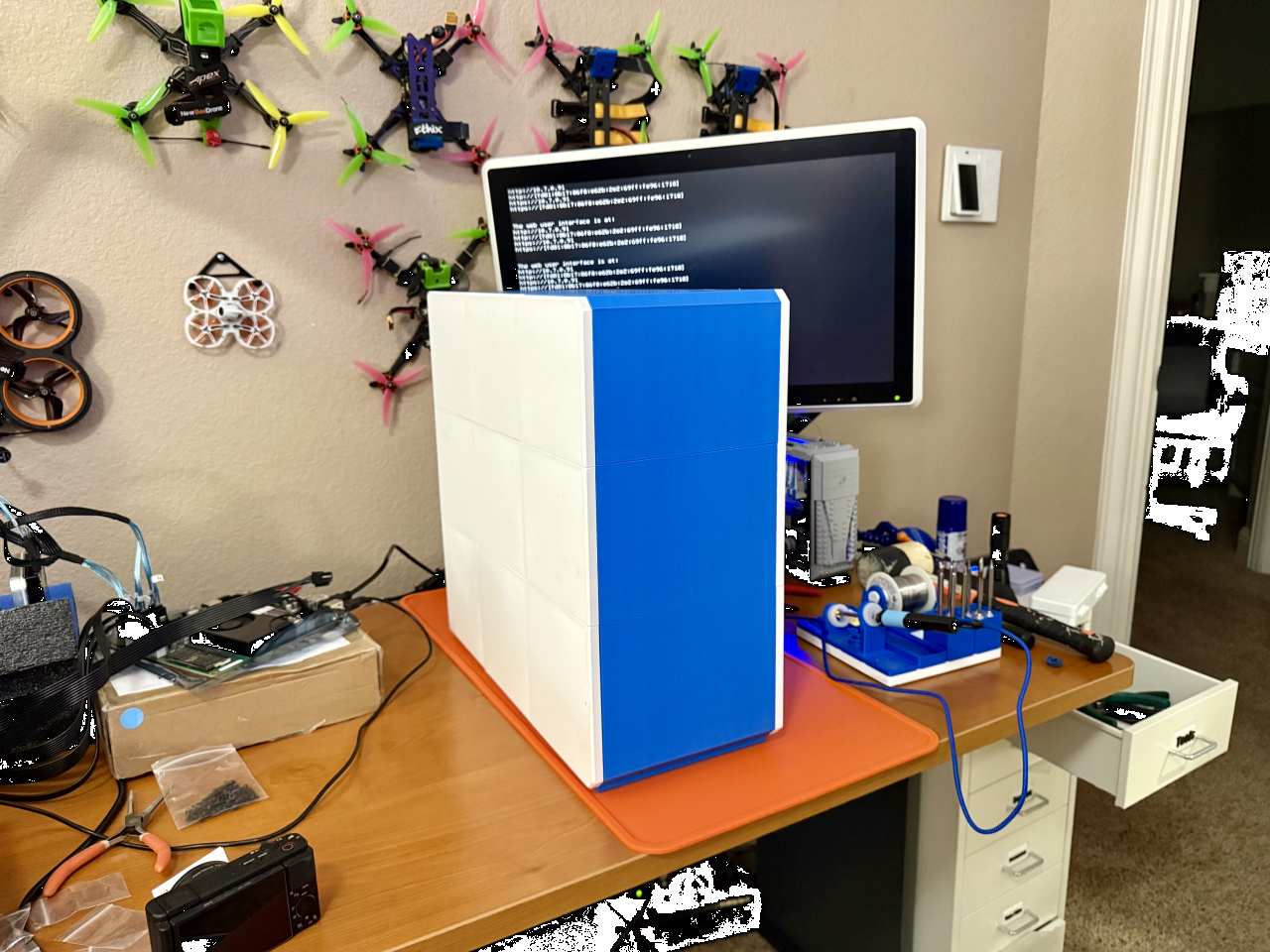
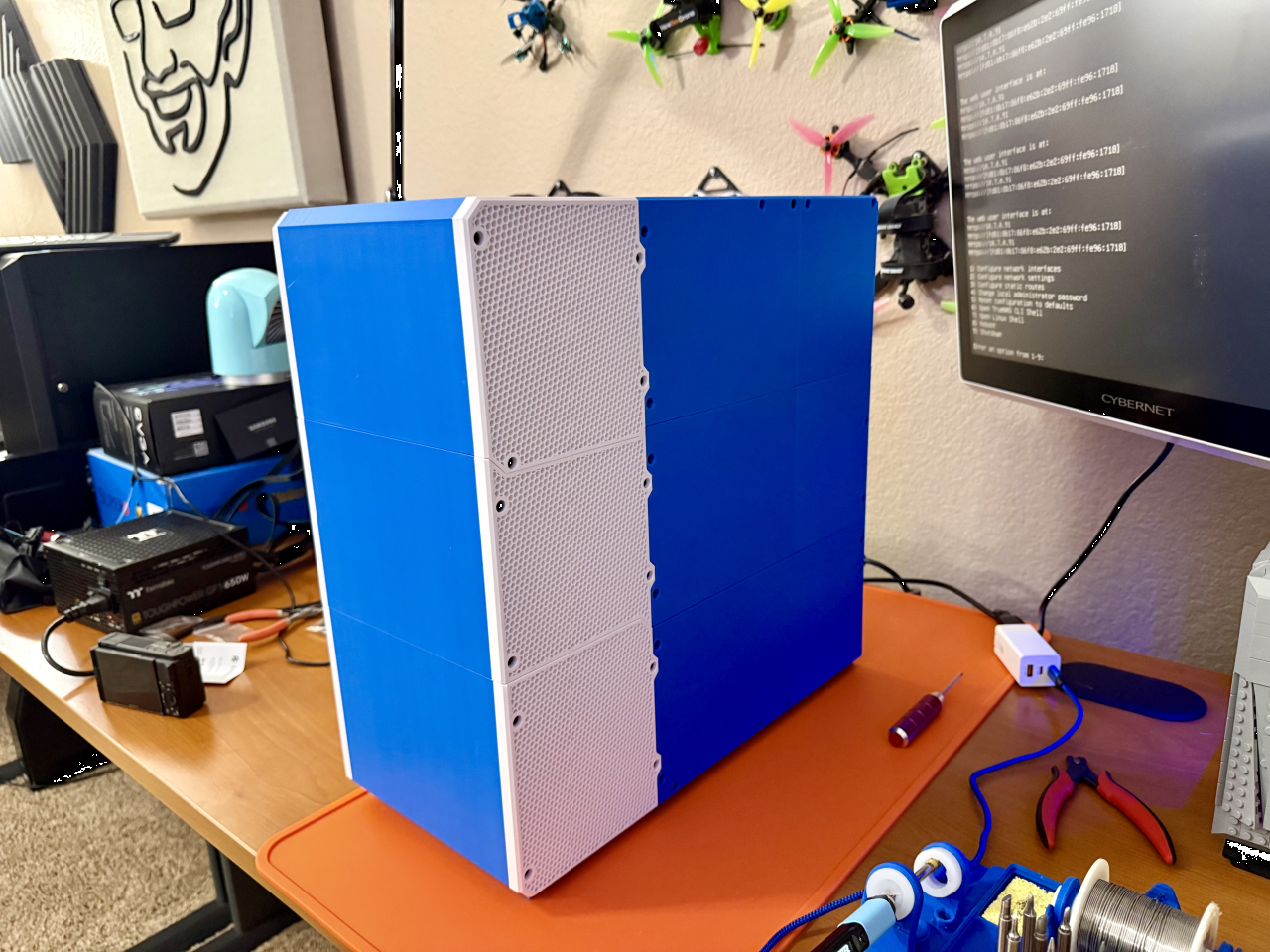
I wouldn’t necessarily recommend this as somebody’s very first 3D-printing project. But if the case’s design and the idea of 3D-printing was compelling enough to make you want to buy a 3D printer, I wouldn’t discourage you from making this your first 3D print ever either.
While I personally love 3D-printing cases like the 12-bay ATX NAS case, I think people should avoid it if they’re looking for the least-expensive option for their DIY NAS. Take a moment and add together the value of money you spend on the materials (filament, inserts, screws, etc.), the time you invest in overseeing all the different print jobs, and the time you spend assembling the case. The investment of your time and money adds up and may not be the best value. Don’t misunderstand me, I think the value proposition of the 12-bay ATX NAS case (and any other 3D-printed NAS case) is tremendous!
Initially, I said that I didn’t need this in my homelab, but I was wrong!
Once I was about 50% done printing the 12-bay ATX NAS case, I knew that I wanted to find a way to fit this into my homelab here at home, somehow. I rarely, if ever, used the homelab server that I built to tinker with machine learning. This new case couldn’t accomodate the AI machine’s Tesla M40 GPU, but was I willing to give up that GPU in exchange for 12 more drive bays? As somebody who’s always tinkering with NAS stuff, I thought it’d be interesting to take my pile of old hard drives, a spare LSI 9300-16i HBA, and fill up this case with as many hard drives as I could round up.
As luck would have it, my off-site NAS reached 80% capacity. This caused me to replace all six of the hard drives under 20TB in my primary NAS. Each of those six drives was bigger than the six drives in my off-site NAS, so the largest six went into the off-site NAS. Combined with a few loose hard drives from a prior upgrade, I had ten unused hard drives in the 10–12TB range that’d be perfect for this machine.
Here’s what that machine’s specs wound up morphing into:
- CPU: AMD Ryzen 5 5600G
- RAM: Corsair Vengeance LPX DDR4 RAM 64GB (2x32GB) 3200MHz
- Motherboard: MSI B350 Tomahawk Arctic
- Case: 12-bay ATX NAS case from @makerunit
- Power Supply: SilverStone Tek SST-ET550-G
- GPU: ASRock Intel ARC A380
- HBA: LSI 9300-16i 16-Port 12Gb/s SAS Controller
- HBA Cooler: Cooling Shroud Kit for a LSI 9300-16i
- Storage:
- Proxmox: 2x Crucial BX500 240GB SATA SSD
- VM/Container Storage: 2x Samsung 870 EVO 2TB SATA SSD
- TrueNAS: 2x Samsung 850 EVO 120GB SATA SSD
- TrueNAS Storage: 10x assorted 12–14TB HDDs
- Network Card: 2.5Gbps Intel I226-V PCie x1 NIC
So what am I going to use this new 12-bay machine for?!
 As you might’ve already deduced, I’m going to continue running Proxmox VE on this machine. I have another Proxmox machine that it will join in a non high availability cluster. The hardware in each Proxmox node is different enough that they can’t truly stand in for each other, but this new Proxmox node will enable me to:
- Create a TrueNAS virtual machine to tinker with.
- Exclude my media collection from my off-site backups.
- Migrate a virtual machine or LXC container between nodes when I’d like to avoid downtime.
- Consolidate and concentrate my media collection and its services to this new machine.
- Ponder the possibility of consolidating my homelab down to a single machine in the distant future.
Final Thoughts
The 12-bay ATX NAS case by makerunit is awesome. As somebody who served as a sounding board and helped provide a little feedback in its design, I acknowledge that I absolutely have a bias. But I’m wildly confident that if I had zero input in this design, I’d feel the same about printing it and putting it to use.
 My preference is that my DIY NAS builds are small-ish and as compact as they possibly can be. But’s that all it is–a preference. I prefer pepperonni pizza too, but I still enjoy eating cheese pizza if that’s what my family decides to order. I would love if I could fit four more 3.5-inch drives in my own personal DIY NAS.
What do you think? Do you want to 3D-print the 12-bay ATX NAS case by @makerunit to use in your own homelab? Do you want it enough that you’re willing to buy a 3D printer? Let everyone know in the comments or swing by the Butter, What?! Discord server and tell us about it!